Hello, my dear friends hope you guys are rocking in this video we are going to see how to enable and disable developer options in your android phone.
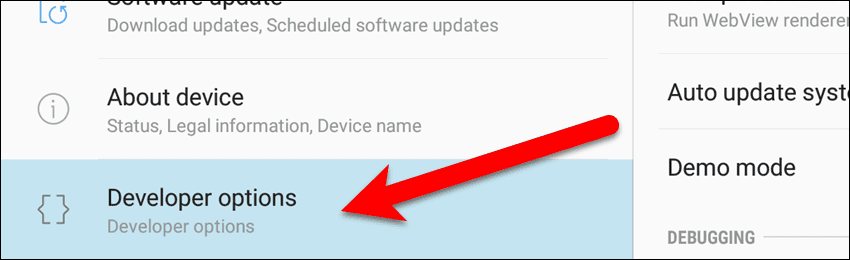
To disable Developer Options, tap “Developer options” at the bottom of the left pane. Then, tap the “OFF” slider button at the top of the right pane. If you’d rather hide the Developer options item completely, tap “Apps” in the left pane. Scroll down in the list in the right pane until you find the “Settings” app and tap on it. On the Settings App Info screen, tap “Storage“. Tap the “Clear Data” button on the Settings Storage screen.
Before using this site, you need to read the "ReadMe" page - On this page are present all the information you need to use this site properly and without any technical problem. Thanks! You can access the readme page here:
Good! After your read the readme page you are ready to use this site. Let go to the video presentation!



0 Comments